-
·
The WordPress wp_is_mobile() function: is it still useful?
In the spring of 2012, WordPress rolled out version 3.4. Alongside features like the Theme Customizer and seamless Tweet embeds, this update introduced a handy function for developers: the ability to detect whether a visitor was accessing a site using a mobile device such as a smartphone or tablet. This function, wp_is_mobile(), arrived around the…
-

·
How to Test WordPress Emails on Laravel Valet
How to Test WordPress Emails on Laravel Valet? This was a question asked from your side! So we’re going to answer this with this article. Here is the actual question: I have a Valet local setup for my WordPress projects, and sometimes I need to test the email functionality. Still, locally, the emails are not…
-
·
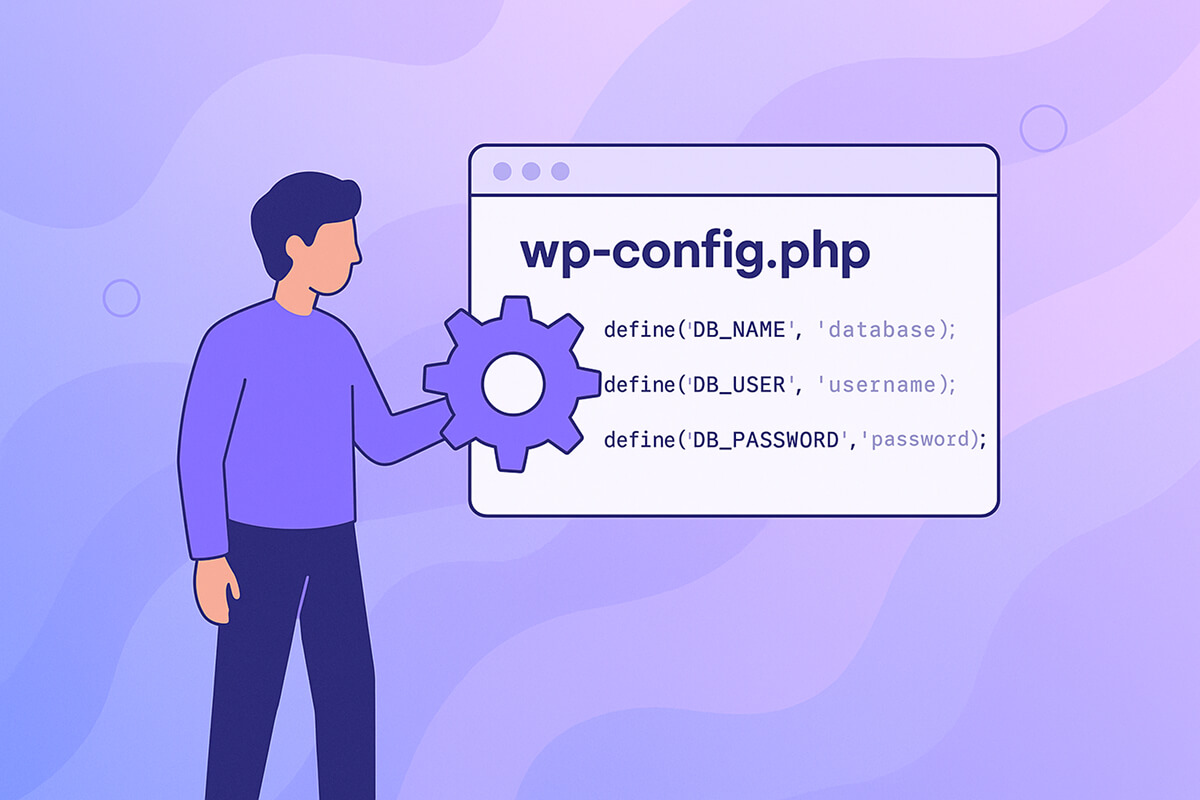
wp-config.php File – How to Configure WordPress
The configuration file is a cornerstone of every WordPress installation. Located in the site’s root directory, it contains the essential constant definitions and PHP logic that determine how WordPress functions for your specific setup. The wp-config.php file houses key data such as your database connection settings, custom table prefixes, directory paths, and a range of…
-
·
Building Efficient WordPress Queries with WP_Query
As WordPress developers, we frequently need to retrieve posts, pages, or other content that matches certain criteria from the WordPress database. Fortunately, we usually don’t need to write raw SQL queries ourselves—in fact, it’s best that we don’t. WordPress provides the WP_Query class, which gives us a safe, efficient way to fetch data. All we…
-
·
What Is Localhost? And How Does It Apply to WordPress?
In computer networking, the term “localhost” simply refers to the computer on which a specific program is currently operating. For instance, if you’re running a program like a web browser or a local development environment on your PC, then your own PC is the “localhost” for those tasks. Conversely, if you’re accessing a MySQL database…
-
·
wp_enqueue_scripts – How to Enqueue Your Assets in WordPress
In WordPress, managing scripts and styles is best handled through a process called enqueueing. This standardized method not only simplifies how assets are added but also helps you handle dependencies in an organized way. Below, we’ll break down how you can use wp_enqueue_scripts to manage your assets effectively. How Enqueueing Works Enqueueing a script or…
-

·
WordPress Database – How Sidebars Work
Sidebars play a significant role in the WordPress ecosystem, yet their underlying structure at the database level often goes undiscussed. While there’s plenty of guidance about creating, customizing, and extending widgets, details on how these widgets are brought together within multiple sidebars tend to be glossed over. In this installment of our database insights series,…
-

·
How To Use the WordPress Register Sidebar Function
In this article, we’ll explore practical approaches for using the WordPress register sidebar function. We’ll also share some advanced techniques to help you get even more out of your sidebars! WordPress Register Sidebar – Single If you’d like to add a sidebar to your WordPress theme, the first step is to let WordPress know about…
